
What is Developer Experience? What does it mean to be a good steward of Inner Source? Let’s explore these ideas!
Continue reading...OpenSSH 8 Breaking Changes

Some older SSH clients may fail to connect to OpenSSH 8+ servers using key exchange. This post explores how to work around that safely.
Continue reading...WSL and Windows Filesystem

When working with a Windows filesystem in WSL, you may find that file and directory permissions don’t work. Let’s fix that!
Continue reading...Experimenting with Go Generics
Starting with version 1.18, Go supports generic type parameters. Before this, we were forced to perform some syntactic gymnastics to reuse code effectively. Given that version 1.18 only became generally available in...
Continue reading...The Nasty “Gotcha” in Docker Desktop

There’s a hidden setting in Docker Desktop which may be causing you problems and you don’t even know it.
Continue reading...Open Source and Expectations

Open Source software has been a critical component to the growth of technology. While the benefits are innumerable, sometimes there can be unrealistic expectations. Let’s explore!
Continue reading...Keeping the Excitement Alive

How can engineers keep their passion alive when their day-to-day job may not be sparking joy? This post explores some options.
Continue reading...
On Engineer Autonomy

While autonomy for software engineers often leads to higher productivity and innovation, if left unchecked it can lead to unintended consequences. This post explores how unbridled autonomy can lead to non-ideal outcomes.
Continue reading...Communication
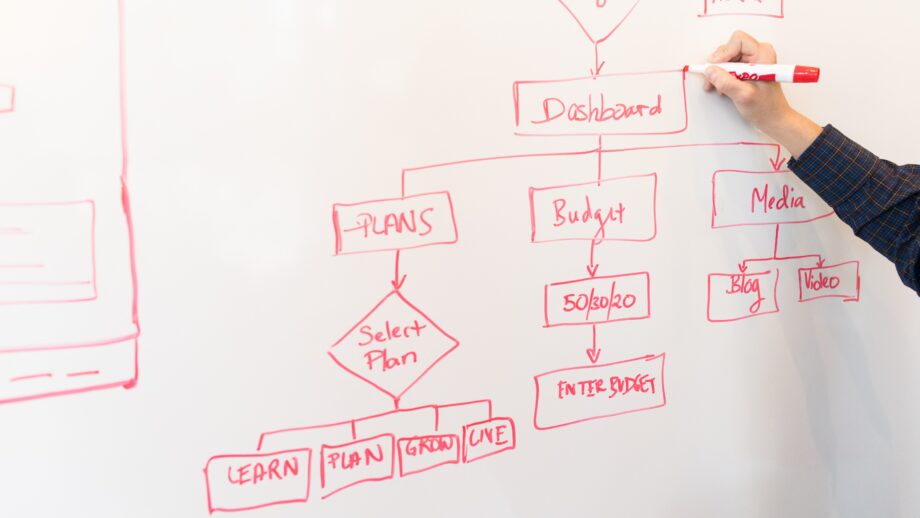
For an engineer, the sharing of thoughts and ideas can be more important than the implementation. By sharing thoughts and ideas in a coherent manner, you are able to solicit feedback and...
Continue reading...